The Integral Role of OCR for KYC in Modern Compliance
The integral role of OCR for KYC is to remove manual data entry from identity checks. Optical Character Recognition reads the printed text on a passport, ID card, or driver's license and returns it as structured data your compliance systems can store, match, and verify. One step does three jobs at once: it shortens onboarding, cuts the keying errors a tired analyst makes at 4pm, and feeds clean data into the screening that AML rules require.
This guide is written for compliance and product teams, not for someone checking their own status. It covers what OCR does in a Know Your Customer flow, where plain OCR runs out of road, and how Intelligent Document Processing (IDP) carries the work the rest of the way. The facts here are sourced. Nothing about accuracy or capability is invented.
What Is OCR for KYC?
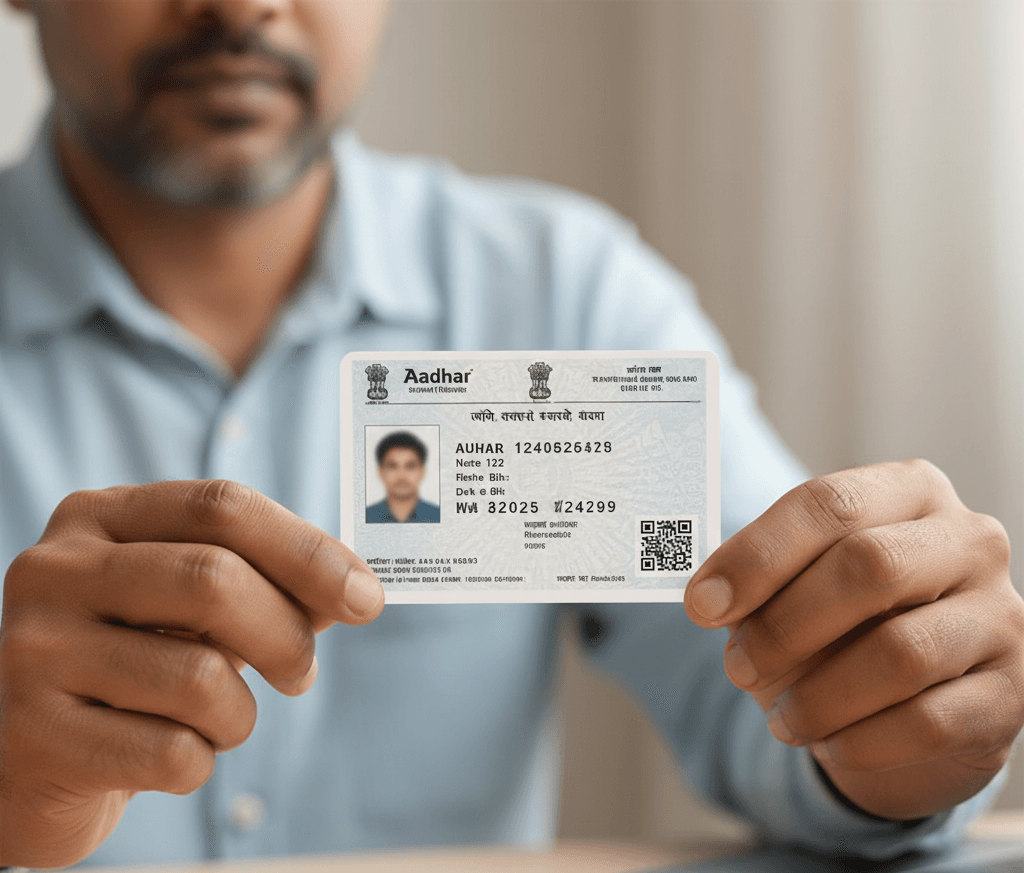
OCR for KYC is technology that captures data automatically from images and documents such as ID cards. The engine reads the light and dark patterns in a scan or photo, recognizes the characters in them, and outputs machine-readable text. From there your platform can extract identifiable customer information, verify a person's authenticity, and check whether they appear on relevant watch lists.
IDP takes the same input and goes further, because it does not just capture the data, it understands and processes it. The technology combines machine learning, natural language processing, and OCR to extract, classify, and interpret data from many document types. That added layer is what turns a pile of scanned files into a decision your onboarding system can act on without a person in the loop.
Why does the distinction matter when you are buying? OCR reads text; IDP reads text and then knows what to do with it. As ABBYY frames it, OCR recognizes and converts characters, while IDP layers classification, validation, and workflow on top so the document moves through a process on its own.
Benefits of Using OCR for KYC
Most people now carry some form of digital identity document, whether a driver's license or a passport. OCR for KYC lets a business read the data off those documents quickly and accurately, with no manual keying. Manual entry is slow and error-prone, a bad combination when you are handling thousands of customers a week. Pulling the fields automatically cuts the time spent verifying each one, which frees compliance and operations teams to work on the cases that actually need a human.
Bring IDP into the same flow and the gains compound. Because IDP understands the data it captures, it can drive decision-making on its own. Fewer documents get routed to a person, and fewer of the ones a person touches pick up a typo. Industry analysis puts modern IDP straight-through processing, the share of documents that clear with no manual handling at all, in the region of 80 to 90 percent for mature deployments.
There is a fraud benefit too. When a system can recognize and read an identity document automatically, it can confirm that the details are consistent and current before any transaction settles. That supports compliance with AML regulations and helps protect customers from identity theft and other fraud. Accuracy is part of the story here. Independent analyst AIMultiple reports that modern OCR clears over 99 percent on clean typewritten text, which sits at the top of the 96 to 99 percent range commonly cited for human data entry.
Cost is the last piece. Automating capture and processing takes work off the people who used to do it by hand, and it reduces the spend on outside data-entry services. The savings grow with volume, which is why high-throughput onboarding teams reach for it first.
OCR vs IDP: Where Plain OCR Stops
Plain OCR is good at one job: turning printed characters into text. It struggles the moment a document gets messy. ABBYY notes that traditional OCR can fall well below the accuracy of a purpose-built IDP platform on real-world enterprise paperwork, which is exactly the kind of varied, imperfect input a KYC queue produces.
Here is the practical split. OCR reads the fields and stops there. It cannot tell a passport from a utility bill, and it never checks the result against anything. An IDP pipeline does more in sequence: it classifies the document first, extracts the fields, validates the output against your business rules, and only then routes it onward. For a compliance team that means OCR gives you data, while IDP hands back a document that has already been sorted, checked, and moved to the next step.
The choice is not really OCR or IDP. It is OCR alone versus OCR as one component inside IDP. For low-volume, single-document checks, OCR on its own can be enough. Once you onboard at scale, across many document types and image qualities, the classification and validation that IDP adds are what keep the queue moving.
Types of Documents That Can Be Processed With OCR and IDP
OCR document verification and IDP can handle a wide range of documents. The common ones are:
- Passports
- National ID cards
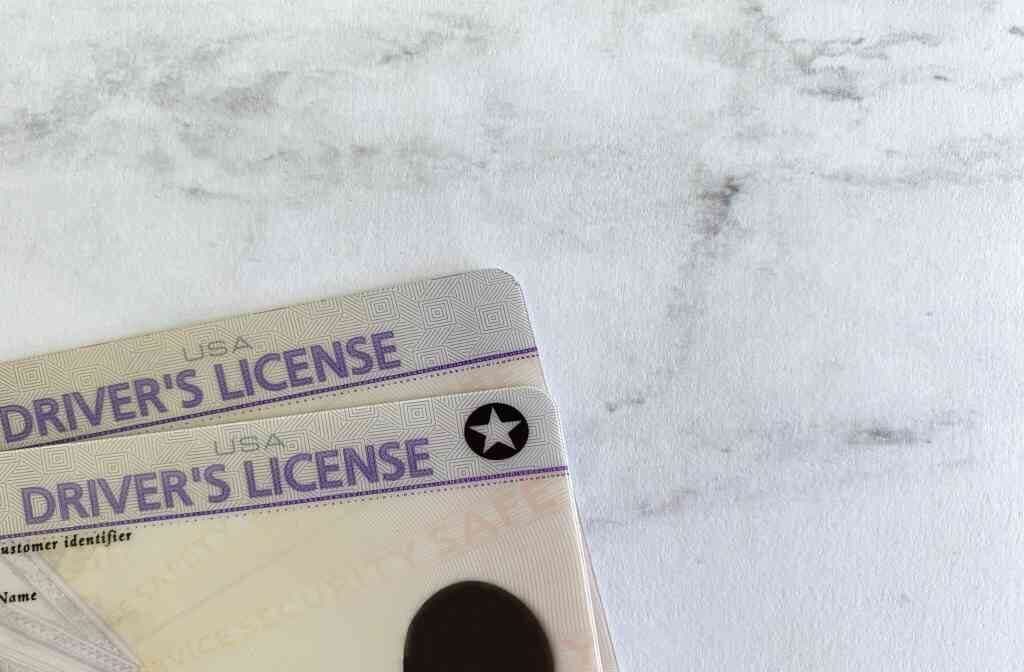
- Driver's licenses
The same technology reads other proof documents too, such as utility bills and bank statements used for proof of address. Because the process is digital, an OCR verification service completes the extraction far faster than a person reading the same document by hand. That speed is the whole point. It lets you verify customer information without asking a human to retype it.
Where OCR Fits in the KYC Process
OCR sits at the front of the KYC flow, right at document capture. A customer uploads or photographs an ID. OCR reads the printed fields and returns them as structured data. That data then auto-fills the onboarding form instead of the customer typing it again.
From there the flow moves on. The extracted identity details feed verification, where the data is checked against authoritative sources, and screening, where the name runs against sanctions and watch lists. IDP extends this by extracting the personal information, checking it against databases, and advancing the application to the next stage on its own. Think of it as a relay: OCR opens the process, IDP keeps it running between checkpoints, and verification and screening close it out.
Map it onto your own onboarding and the role becomes clear. OCR is the step that converts a picture into usable fields. Everything downstream depends on those fields being right, which is why capture accuracy is worth getting correct before you optimize anything else.
How Can OCR Be Integrated Into KYC Processes?
OCR for KYC is central to onboarding, and done poorly it gets slow and expensive. Integrating the right OCR software into your KYC process is how you avoid that. Good integration lets you extract and process data from customer documents quickly, verify identity, and meet AML obligations without adding manual steps.
Start by choosing software that extracts and processes document data accurately. Once it is in place, configure the system to scan customer documents automatically, interpret the extracted fields, and flag potential fraud or discrepancies. The last piece is the watch lists. Connect them so screening runs as part of the same flow rather than as a separate task bolted on afterward.
At KYC Hub, we build the tools that make this manageable. We offer Global KYC Solutions, Intelligent Document Processing, and AML Screening and Monitoring, among others. Working with us, you get AML services that wire the technology into your KYC process so capture, verification, and screening run together. We keep pace with how the technology and the regulations move, so your customer data stays protected. Want to see it run on your own onboarding flow? Book an IDP demo and we will walk you through it.
How to Choose an OCR Provider for KYC
Not every OCR engine is built for identity documents, and the gap shows up fast in a compliance setting. Five things separate a provider you can ship on from one you cannot.
Start with accuracy, but be specific about it. Vendor accuracy claims are measured on clean inputs, whereas your queue is full of glare, creases, and odd angles. Ask for accuracy on real-world ID images rather than lab samples, and weigh deployment architecture and operational flexibility alongside the raw number.
Language and script coverage is the next filter. If you onboard internationally, the engine has to read the alphabets and scripts your customers actually use, non-Latin ones included. Coverage that stops at English is a gap you will hit on day one. Document breadth runs alongside it: identity documents vary by country, format, and security features, and a provider trained on a wide set of real ID layouts handles that variety far better than a general-purpose text reader does.
Then there is integration. Look for native APIs and full traceability of every action. The audit trail is not a nice-to-have. It is what an examiner asks for. Finally, weigh how the provider handles security. OCR processes sensitive personal data, so where and how that data is stored has to satisfy your privacy obligations, and tools that keep data in non-compliant environments can breach rules such as GDPR or CCPA.
OCR, Audit Trails, and Compliance Records
A compliance audit asks a simple question: can you show your work? OCR and IDP help answer it by capturing not just the data but the record of how it was captured. Every document read, every field extracted, and every check run can be logged. That log is what turns a KYC decision into something you can defend later.
This is where IDP pulls ahead of standalone OCR. Compliance frameworks keep getting stricter about audit trails, field-level validation, and how personal data is handled. An IDP platform enforces those controls in one place, while plain OCR tends to leave the results scattered across spreadsheets. For a team facing a compliance audit, the difference is between pulling a clean record from one system and reconstructing it from many.
So the value of OCR for KYC is not only speed. It is the evidence trail that speed leaves behind. Captured fields, validation results, and screening outcomes recorded together give auditors the standardized, verifiable record they expect.
Challenges of Using OCR for KYC
OCR earns its place, but it is not flawless, and pretending otherwise leads to bad onboarding. The honest limits are worth naming.
Image quality is the big one. A blurry, badly lit, or tilted scan drops accuracy on its own, and any extra marks on the document pile on noise the engine then has to fight through before it can read a single field cleanly. Handwriting is harder still. Cursive in particular trips up many OCR engines, so anything not machine-printed should be treated with care.
Volume strains things too. Push enough documents through and performance can sag unless the platform was built to scale from the start, and because OCR handles sensitive identity data the whole time, a weak security setup quietly turns the pipeline into a breach risk. Bad inputs cause bad outputs. Data pulled from poor or noisy images can simply come out wrong, which is why a validation step downstream matters so much.
The takeaway is not to avoid OCR. It is to invest in reliable OCR and IDP software, pair capture with validation, and put real security controls around the customer data. KYC Hub offers strong security measures and reliable technology to keep data protected at every step.
Best Practices for Integrating OCR Technology into KYC
A few habits separate a smooth OCR rollout from a frustrating one.
1: Choose a reliable provider
Pick software that extracts and processes document data accurately and connects cleanly to your watch lists. The right platform brings these pieces together rather than leaving you to stitch them up yourself.
2: Set up the system properly
Before any transaction goes through, make sure your OCR verification is configured to catch discrepancies and potential fraud. A no-code, configurable setup lets you orchestrate identity, compliance, and decision flows for the use cases you actually run.
3: Keep security controls in place
Put protections around customer data so a breach cannot expose it. Strong security measures are what hold up a high level of data protection over time.
How KYC Hub Handles OCR and Document Processing
KYC Hub's Intelligent Document Processing is built for exactly this work. It is designed to speed up the verification process, so the document step that used to slow onboarding stops being a bottleneck. Capture, classification, and extraction run together, which supports enhanced customer onboarding rather than another form for the customer to fill in by hand.
The same engine feeds improved risk management. Cleaner, structured data means the downstream screening and decision checks have something reliable to work with. For the customer, that shows up as a better experience: less typing, fewer rejections over a mistyped field, and a faster path to approval. Underneath it sits accurate data extraction, which is the foundation everything else depends on.
The point is to fold OCR into a process that does more than read text. KYC Hub pairs document processing with verification, screening, and decisioning so your KYC flow runs as one connected system. To see how IDP fits your onboarding and compliance setup, book an IDP demo.
The Future of OCR-Based Document Verification for KYC
OCR and IDP for document verification keep advancing, and the direction is clear. Beyond reading documents, businesses are pairing OCR with AI and machine learning to push more of the process toward automation. That includes AI-assisted customer service and fuller automated document handling. The aim is a KYC process that stays secure and efficient while costing less to run. As the technology matures, expect more of the manual KYC workload to move onto it.
We hope this guide has shown the role OCR and IDP play in automating KYC and keeping a business compliant with AML rules. For a closer look at how it would work for you, our team is ready to help.