OCR in Business: How to Automate Document Workflows at Scale
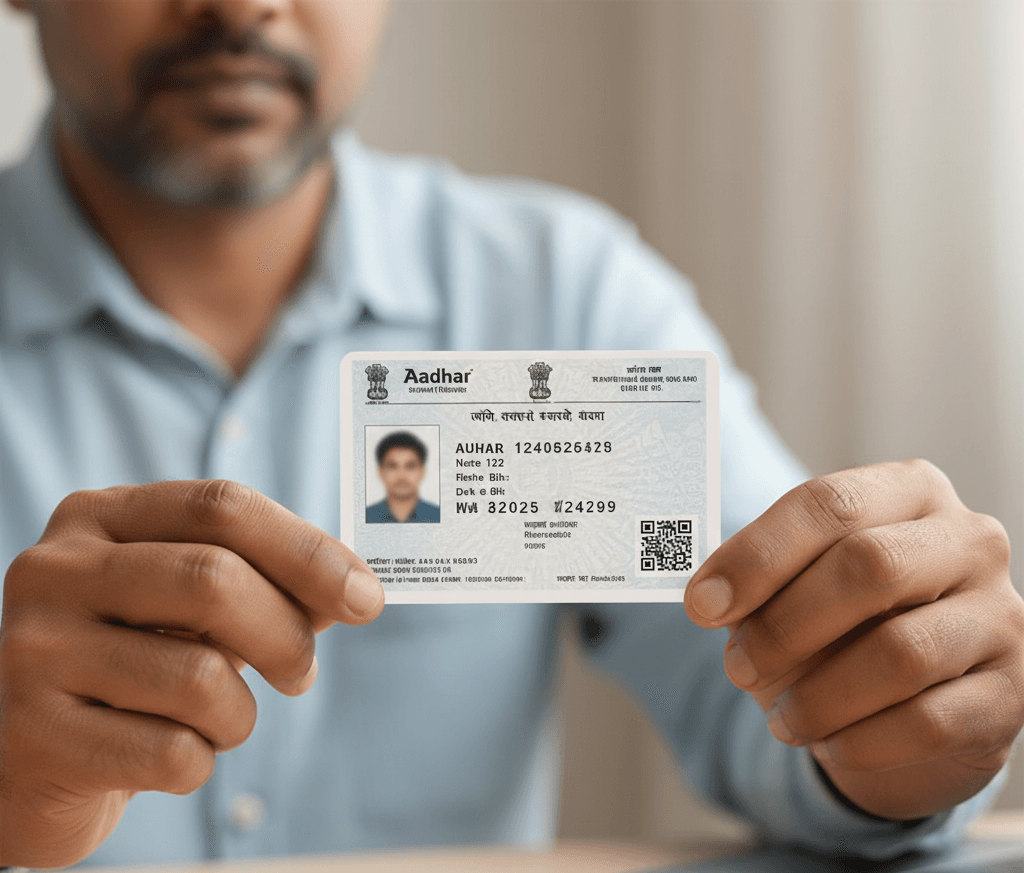
OCR in business means using Optical Character Recognition to read the text on invoices, receipts, forms, and ID documents and return it as structured data your systems can store and act on. The slow part goes away. Nobody has to type those details in by hand anymore, which is the error-prone work most teams hate. For an operations or compliance team, a pile of scanned files becomes clean records that move through a process on their own.
Who is this for? The business running OCR at scale, not the person checking a single document by hand. What follows covers where OCR fits in real operations, how to put it in place across high document volumes, and where Intelligent Document Processing carries the work the rest of the way.
Plenty of businesses still handle text by hand. Staff read invoices and receipts, then type the details into spreadsheets or the company's software. That slows them down and invites mistakes. Paper records pile up, and before long they get hard to manage.
OCR is what closes that gap. It reads the text in images, in scans, and even in handwritten notes, then converts the whole thing into editable text. Extracted text drops straight into the company's systems. Work speeds up. Records stay clean.
How OCR Automates Business Operations
Across day-to-day operations, a handful of areas are where OCR does the most to manage and automate work for smarter results.
Document management gets a lot easier. Businesses sit on heaps of paper-based records, and handling that data by hand burns time nobody has. OCR turns those physical documents into digital records, so an employee searches a keyword instead of digging through piles of paper to find what they need. Think about HR. Teams there receive a high volume of resumes, and converting those files into searchable digital form turns a slow hunt into a quick lookup.
Better data accuracy. Manual data entry is prone to human error, and in financial information a single small mistake can get expensive fast. OCR avoids that. Advanced systems detect complex patterns in a document and return accurate output, which keeps records clean and ready for whatever uses them later.
Then there is the speed of admin work. Businesses receive invoices for approval and for record-keeping, and processing those by hand eats a lot of time. OCR reads the characters off the document so you can move the information into the right folder for action. Say a customer sends a scanned invoice or a handwritten complaint form. The system pulls the key details out in seconds, the customer's name and contact number among them, which makes it easy to enter the right information into the tracking system and cuts input errors so records stay reliable.
Business intelligence, supported. Data arrives in many forms. Invoices, receipts, and reports show up in physical or image form, and none of it can be analyzed properly until it is digitized. OCR handles that step. A company can scan its old reports and feed the data into an analytics tool to surface insights, build dashboards, and spot trends, all of which support better decisions and help the business learn from what it did before.
Going paperless is the next payoff. Keeping paper-based records costs real money. Digitizing documents with OCR cuts that cost and supports sustainability at the same time. Digital records also survive physical threats such as fire and water damage, and that makes record management more secure.
Stronger data accessibility. Digital data is what makes smarter collaboration possible for remote teams. It is easier to share. Employees reach it from any location and search the text to act on a customer concern quickly, and that kind of collaboration improves the customer experience and helps the business run smarter overall.
Where OCR Fits in a Business Workflow
OCR sits at the front of a document workflow, right at capture. A document arrives by upload, by scan, or by photo. OCR reads the printed fields and returns them as structured data, and from there that data auto-fills a form or a record instead of someone retyping it.
Everything downstream depends on those fields being right. Capture accuracy is worth getting correct before you optimize anything else. Get it right and the rest of the workflow has clean data to work with, from routing and approval through storage and reporting.
How to Run OCR at Scale
Reading one document is easy. Reading thousands a week without a person touching each one is the part that separates a real deployment from a demo. A few things make OCR hold up at volume.
Start with the inputs. Image quality is the single biggest factor in accuracy, and a blurry, badly lit, or tilted scan drops results on its own, while extra marks on a document pile on noise the engine then has to fight through. Handwriting is harder still. Cursive in particular trips up many OCR engines, so anything not machine-printed deserves careful handling.
Throughput is the next thing to plan for. Push enough documents through and performance can sag, unless the platform was built to scale from the very start. So pair capture with a validation step. Data pulled from a poor image can simply come out wrong, and a check downstream is what catches it before a bad value ever reaches your records.
Security comes last on the list and first in importance. OCR often handles sensitive personal and financial information, so where and how that data is stored has to satisfy your privacy obligations. A weak setup is dangerous. It quietly turns a high-volume pipeline into a breach risk.
Ready to see this run on your own document flow? Book a Workflow Automation Demo and we will walk you through it.
OCR vs IDP: Where Plain OCR Stops
Plain OCR is good at one job: turning printed characters into text. The trouble starts the moment a document gets messy, and on top of that it never checks the result against anything. For a business processing varied, imperfect paperwork, that gap shows up fast.
Intelligent Document Processing takes the same input and goes further. Capturing the data is only the start. From there it understands and processes what it read, combining machine learning, natural language processing, and OCR to extract, classify, and interpret data across many document types. Here is the practical split. OCR reads the fields and stops there, while an IDP pipeline classifies the document first, extracts the fields, validates the output against your business rules, and only then routes it onward.
So the choice is not really OCR or IDP. Frame it instead as OCR alone versus OCR as one component inside IDP. For low-volume, single-document checks, OCR on its own can be enough. Once you process at scale across many document types and image qualities, the classification and validation that IDP adds are what keep the queue moving. For a deeper look at how this plays out in identity workflows, see the integral role of OCR for KYC.
How KYC Hub Automates Document Workflows
KYC Hub approaches document-heavy work as Compliance Workflow Automation. Capture, verification, screening, and decisioning get stitched into one orchestrated flow rather than a pile of disconnected manual tasks. For a business drowning in documents, that is the difference between data that has to be re-keyed and a record that moves through the process on its own.
A few pillars shape how it works:
- No-code customization. Configure the document and decision flows for the use cases you actually run, without waiting on engineering for every change.
- Dynamic customer risk assessment routes each case by risk, so straightforward documents clear on their own and only the cases that need judgement reach a person.
- Integration with verification services. Document capture wires into the downstream checks that follow, so extraction and verification run together instead of as separate steps.
- Managed services. Lean on KYC Hub's team to wire the technology into your existing process rather than building and maintaining it yourself.
- Time and cost savings. Manual keying comes off the people who used to do it by hand, and the savings grow as document volume grows.
The point is simple. You fold OCR into a process that does more than read text. To see how it would run on your own document workflow, Book a Workflow Automation Demo.
Final Thoughts
OCR has earned its place in business operations. It connects manual work with digital systems, moves data faster, and frees teams to work smarter. Use of it now spans many industries. As automation grows, OCR will stay a key technology for efficient, intelligent operations, and it pays off most when it is paired with the validation and workflow that carry a document all the way to a decision.